



Adjust the parameter of motor of multihead weigher
Adjustment method of motor parameter.
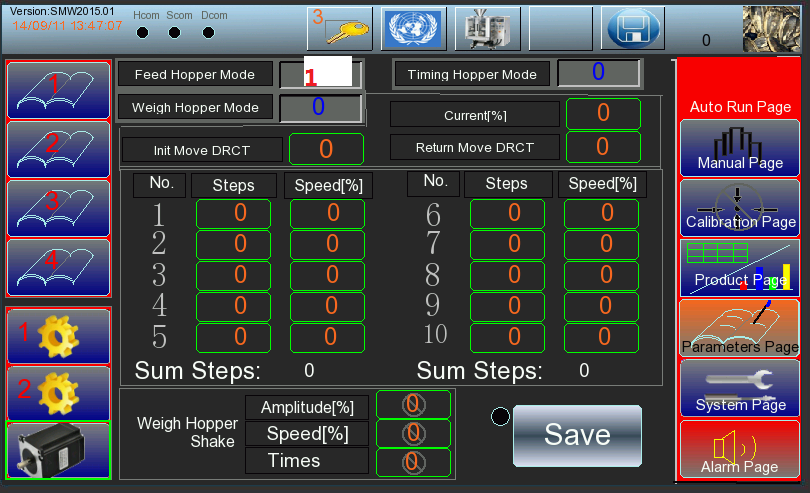
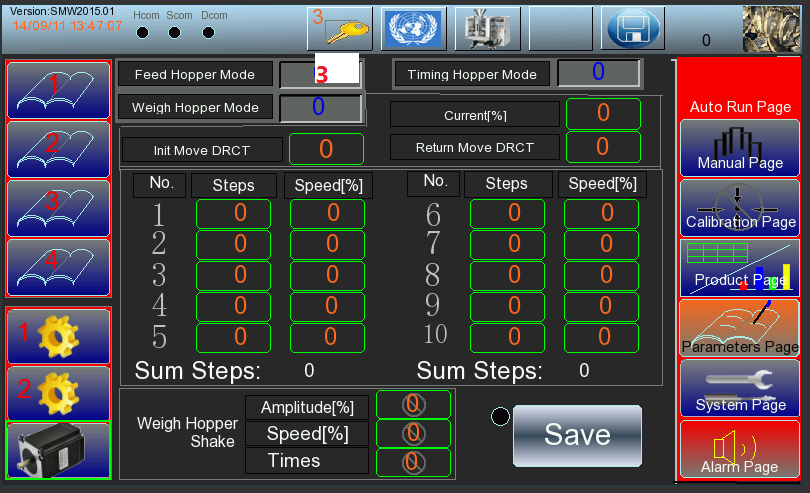
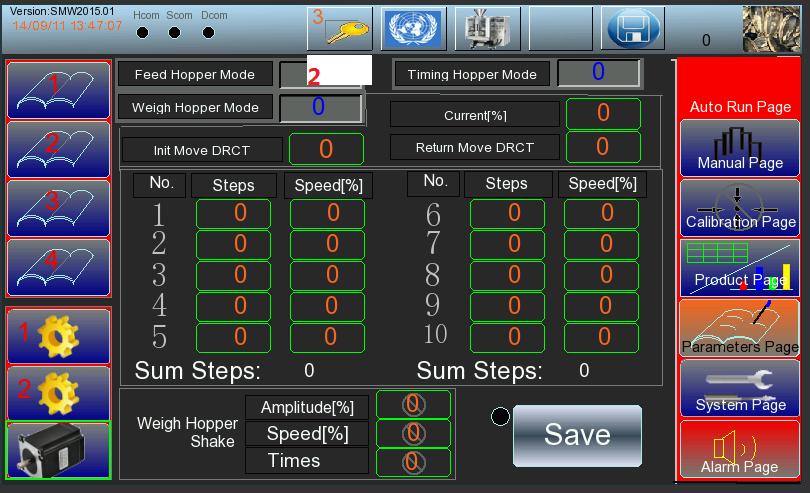
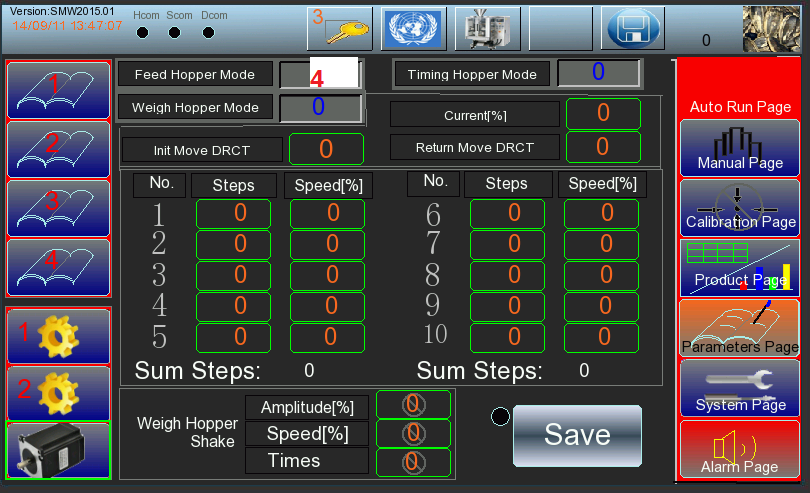
The motor mode has four types of code: 1,2,3,4
-Motor mode 1 is the movement way of 100 steps for motor
-Motor mode 2 is the movement way of 96 steps for motor
-Motor mode 3 is the movement way of 88 steps of motor
-Motor mode 4 is the movement way of 80 steps of motor
The bucket opening is from big to small: motor mode 1 -motor mode 2
-motor mode 3-motor mode 4 as shown in figure attached.
Note: the motor speed can also be adjusted quickly or slowly (according to actual needs)
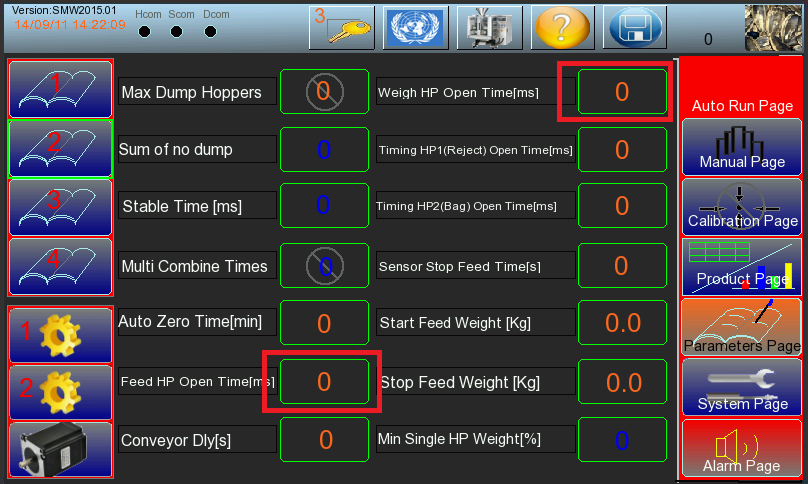
If select the default motor 1, but can’t meet the requirements even the hopper’s the mouth already open the maximum that need manual adjustment.
For example, when the material is clamped when discharge, it is shown in fig.2-3 as the feed hopper clamp material. So you need to find the parameter setting page, change the feed hopper open time: 10ms or 20ms...as Figure 2-4 shows.
If still not work, you need to adjust the parameters of the motor
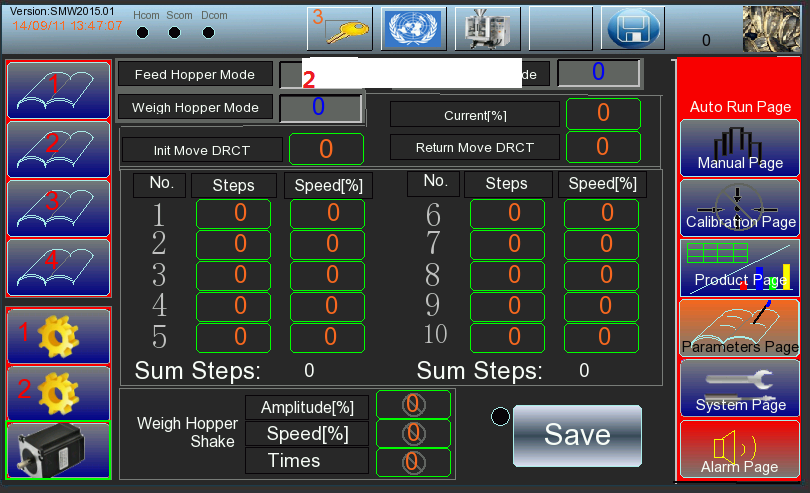
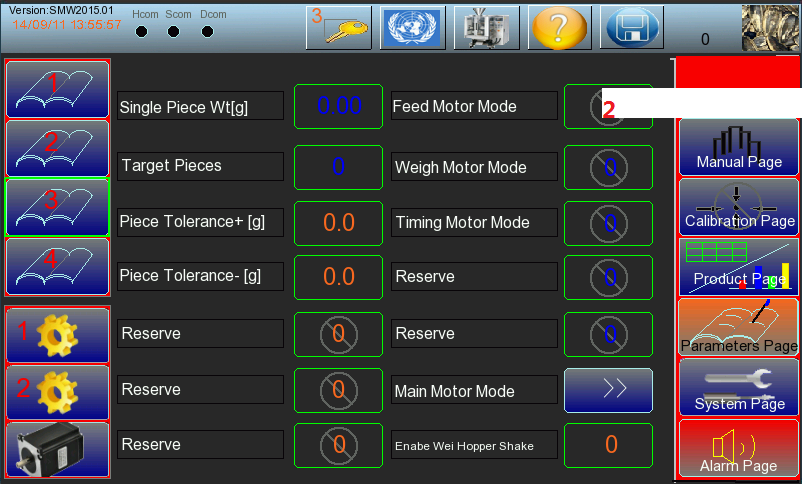
Take the 2-5 feed hopper mode 2 for example: the first step is to select the feed hopper mode 2 on page 3(2-7) of the parameter setting page. Click  find the feeder hopper motor mode, input 2.
When it is changed as 2  , now we can modify its parameter, as 2-6 shows.
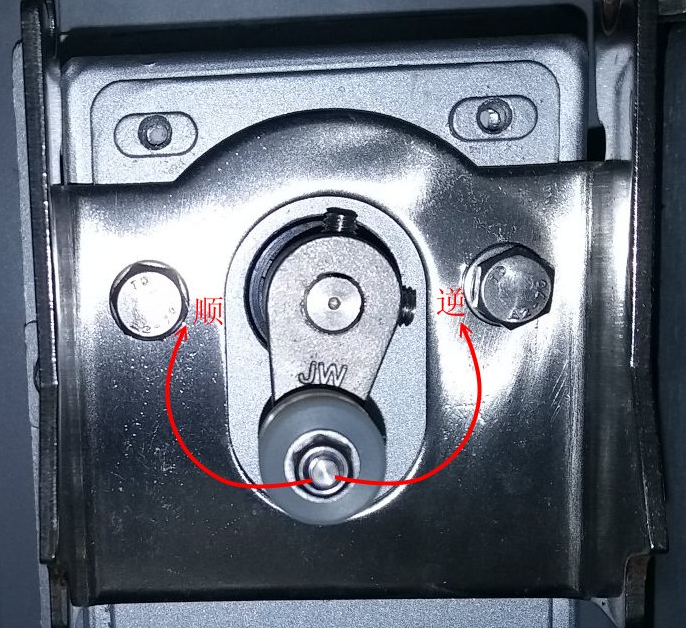
According to 2-6. , you can see the door open direction is 1, door closing direction is o. 1 means the motor rotates counterclockwise, o means The motor rotates clockwise, as 2-5 shows.
Torque Settings are generally 4
The steps are divided into the first half steps and the second half steps:
The first half step refers to the number of steps that the motor rotates clockwise or counterclockwise, which is the hopper’s door opening
The second half steps refers to
The second half of the step refers to the number of steps that the motor rotates when close the hopper’s door.
(The larger the number of steps, the larger the hopper’s door opening, and keep the same speed, the rotation time will be longer as well, so the speed should be adjusted larger accordingly)
Finally, press Save button to save the parameters,then come to the manual test page, choose single feed hopper to check whether the angle of the door opening is okay or not. At the same time, should notice whether there abnormal sound, or abnormal phenomenon.
Weigh hopper mode and timing hopper mode also use the same way.

Smart Weigh is a global leader in high-precision weighing and integrated packaging systems, trusted by 1,000+ customers and 2,000+ packing lines worldwide. With local support in Indonesia, Europe, USA and UAE, we deliver turnkey packaging line solutions from feeding to palletizing.
Quick Link
Packing Machine